
Self-service autonomous library map
Autonomous self-service machines are installed throughout Almaty: small and large. Below are instructions for using each type of machine.
Small Autonomous Machines
Machine Photo
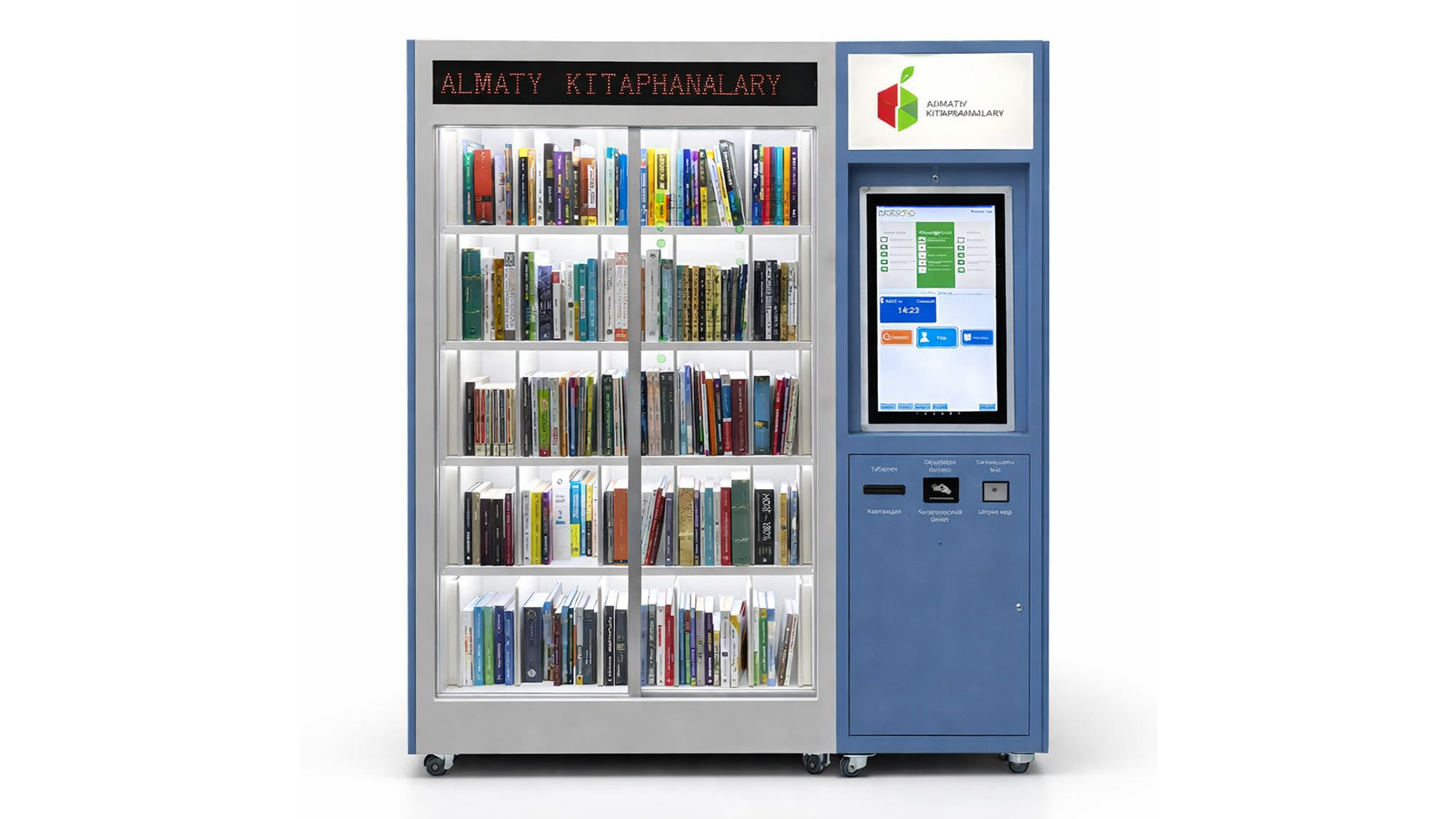
Video Instruction
Instructions
How to get a book:
- Hold your library card to the reader
- Select the “Borrow” section
- Take the required book from the shelf
- After receiving the book, press the “OK” button
- Press the “Exit” button
How to return a book:
- Hold your library card to the reader
- Select the “Return” section
- Return the book
- After returning the book, press the “OK” button
- Press the “Exit” button
Important information:
- A library card can be issued free of charge at library branches in Almaty
- A book can be returned to any autonomous library station
⚠️ Attention:
- Do not open doors yourself. Video surveillance is in operation
- If a book was received at the library, it cannot be returned through the self-service machine
Large Autonomous Machines
Machine Photo
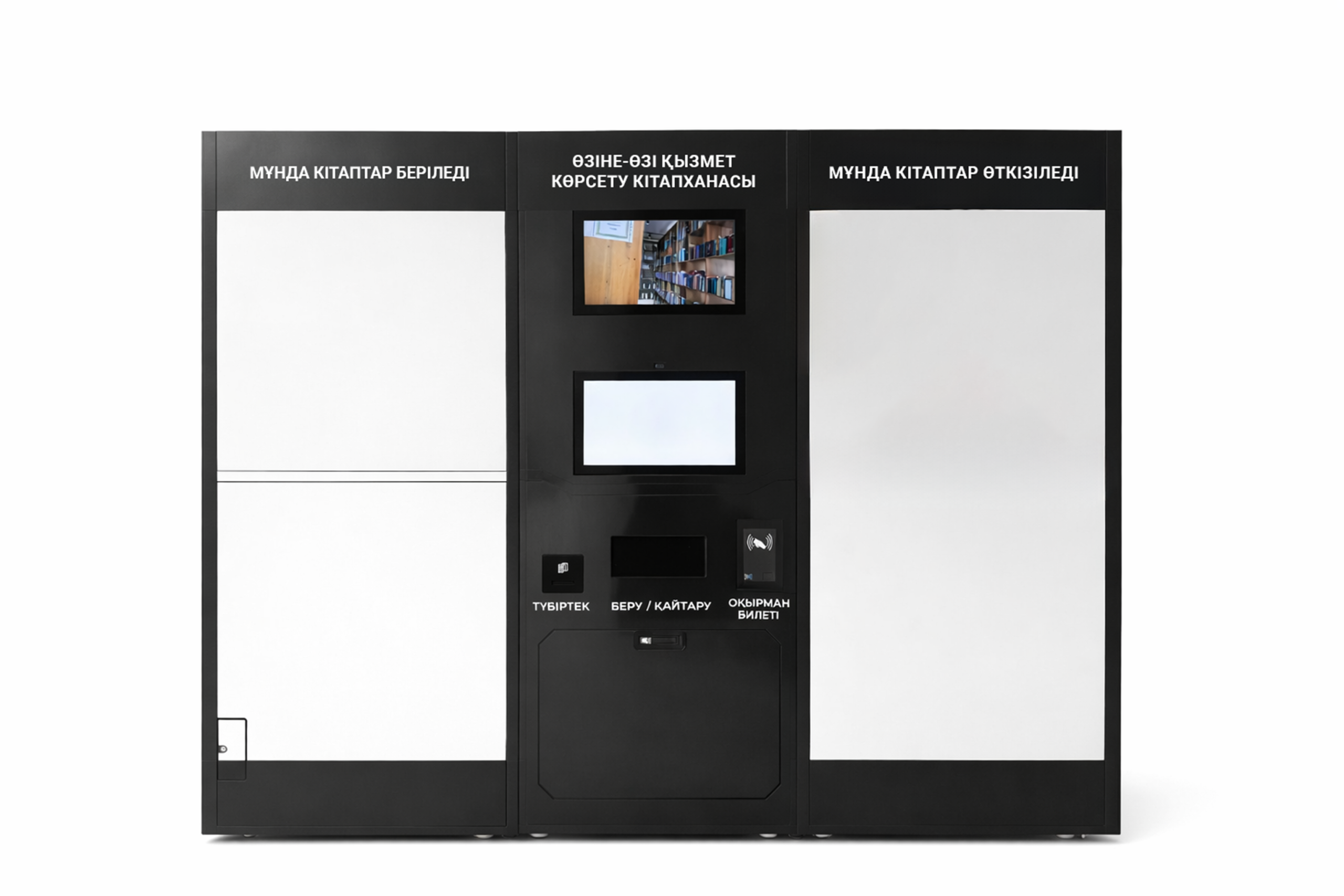
Video Instruction
Instructions
How to get a book:
- Press “My Account”, then hold your library card to the reader
- Select a book from the catalog
- Click “Add to cart”. You can add several books to the cart or skip this step
- Click “Get”. The station will dispense books one by one — wait until all books are dispensed
How to return a book:
- Click “Return a book”
- Place one book in the center of the opened book return slot
- Click “Next”
- Click “Confirm”
Important information:
- A library card can be issued free of charge at library branches in Almaty
- A book can be returned to any autonomous library station
⚠️ Attention:
- Return books strictly one at a time. Video surveillance is in operation
- If a book was received at the library, it cannot be returned through the self-service machine
Location of Autonomous Machines

Technical Support: